
Filmmaker portfolio website builder
A filmmaker's site built for festivals, producers and press
Producers, programmers and press want the same things from a filmmaker's site: the films, the stills, a synopsis, credits and a way to reach you or your rep. FNJ's AI builder designs a site with a page per film (trailer, stills, synopsis, credits and festival history), a director's statement and a press kit section you can update as the film travels.
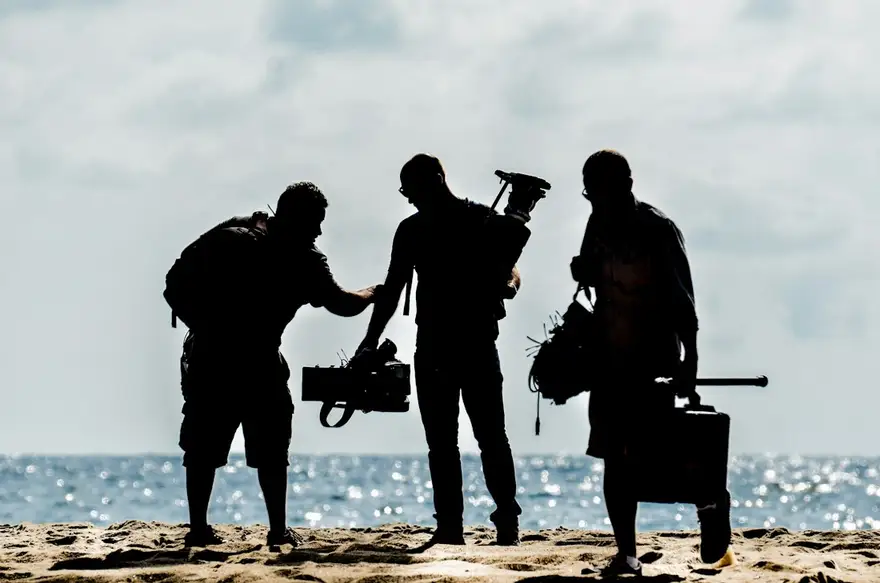
Wren Adeyemi
Writer–director
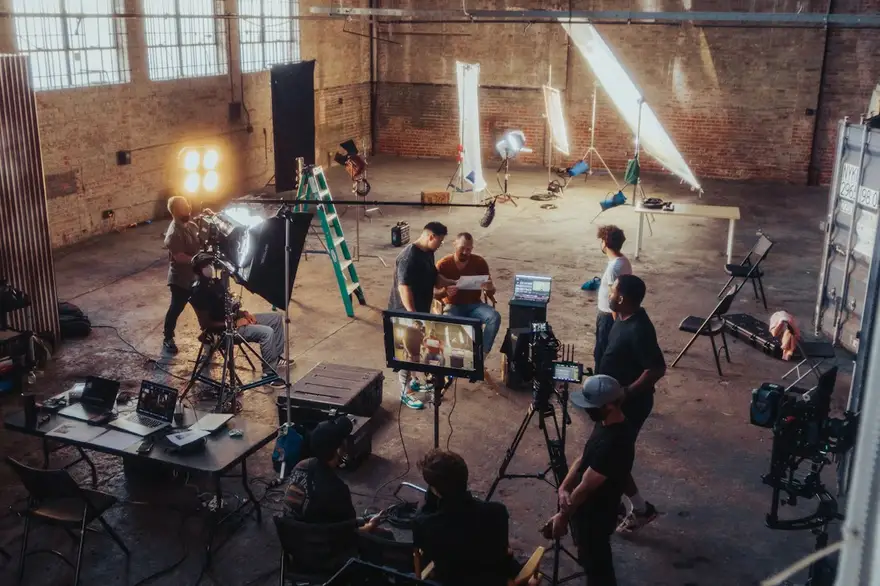 2:14
2:14Short fiction
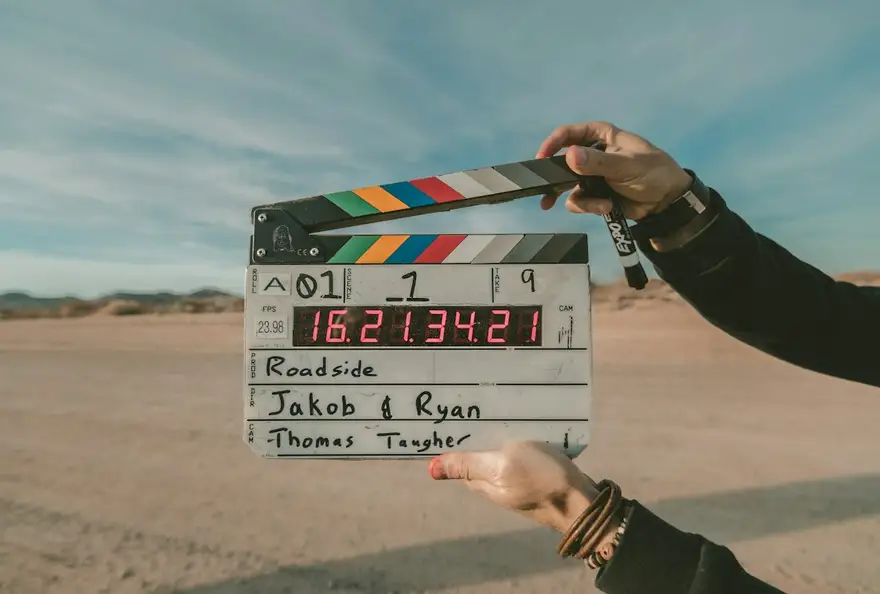 0:58
0:58Documentary
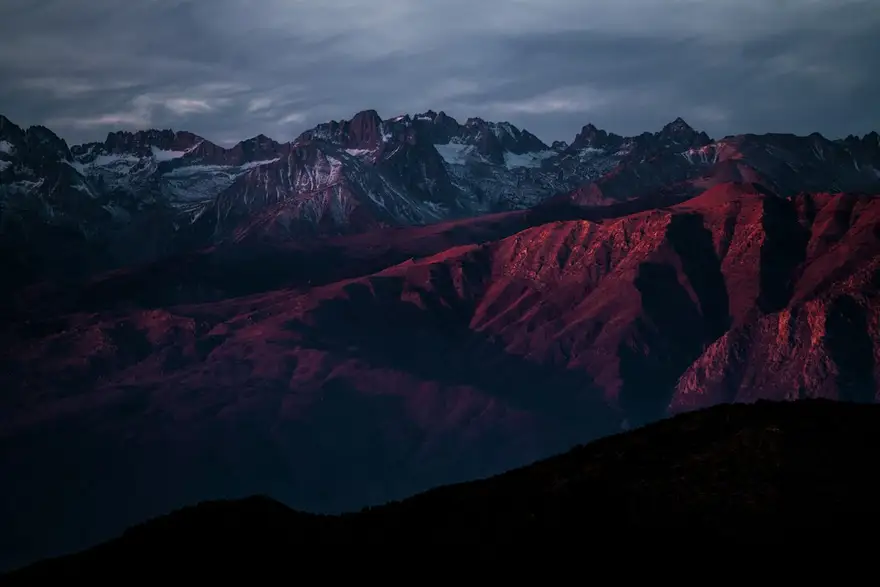 4:30
4:30Commercials
Wren Adeyemi
Writer–director
2:14Short fiction
0:58Documentary
4:30Commercials
The same sample at phone width. The builder designs every page at desktop, tablet and phone widths.
The sample, section by section
What a filmmaker website needs
The sections the builder can design for you, and the job each one does. The starter prompt asks for these; add or drop any of them in your own words.
- 01
Featured film
Your latest film's key still and trailer.
- 02
Films
Shorts, features and commercial work.
- 03
Film pages
Trailer, stills, synopsis, credits, festivals.
- 04
Director's statement
Why you make the films you make.
- 05
Press
Stills, bio and press contact.
- 06
Contact
You, your producer or your agent.
Sample photography from Unsplash by stefyaich, jakobowens1 and heytowner.
Made for filmmakers, not for everyone
01
A page per film
Trailer, stills, synopsis, credits and festival history: everything a programmer asks for.
02
Press-ready
Stills, a short bio and contacts laid out for journalists and festival staff.
03
Cinematic restraint
Large stills, quiet type and dark backgrounds that frame the work like a screening room.
Starter prompt
A prompt written for filmmakers
It opens in the builder ready to edit. Replace the words in brackets with your own details, change anything else you like, then add a reference.
Reference to add
A director's or film's official site with the atmosphere you want.
The builder takes a reference's look (layout, type, palette, spacing), never its words or images.
Build a filmmaker portfolio for [your name], a [director / writer-director] making [short films and documentaries]. Open with a full-bleed still from my latest film, its title and a 'Watch trailer' button. Add a 'Films' section with four films (poster still, year, runtime) and a page for each with the trailer video, a stills gallery, synopsis, credits and festival selections I'll fill in. Add a director's statement, a press section with stills and a short bio, and a contact section for me and my producer. Cinematic and restrained: dark backgrounds, an elegant serif, wide letterboxed stills and lots of negative space.
How it works
01
Describe your filmmaker site
Open the builder with the starter prompt, fill in your details and add a screenshot or link of a site you'd like yours to look like. A reference is required: it's what makes the design yours rather than a template.
02
Watch it design every page
The builder plans the pages, palette and type, then builds each page section by section on a canvas at desktop, tablet and phone widths while you watch.
03
Refine it, then take the code
Ask for changes in plain words or edit by hand, upload your own work, then download a Next.js project or static HTML, or push it to your GitHub, and host it where you like.
What it costs: From $25/month, or $29 once for 50 credits. Every site you build is yours to keep. No FNJ hosting fee: you host the exported site. See plans
Built with FNJ's AI builder
Look at this beautiful site our AI builder built in 10 minutes
One prompt and a screenshot of a site we liked, recorded as it happened. The builder designed a portfolio, built every page on the canvas for desktop, tablet and phone, and handed over the code. The video skips the waiting.
Filmmakers: questions
- Can I show festival laurels?
- Yes, as images you upload, for selections and awards your film actually received.
- Can I password-protect a screener?
- No. The builder doesn't include protected pages; send private screeners through your video platform's private links.
- Can I host my trailer on the site?
- The video block plays a trailer file you host (an MP4 link) with controls and a poster still. For Vimeo or YouTube trailers, link to them with a button.
- Can I make a separate site for one film?
- Yes. Each site is separate, so you can build a filmmaker site and a single-film site; each uses its own credits.
Portfolio guides
- GuidePortfolio Website Ideas for 12 Professions, Page by PageFor 12 professions, from real estate photographers to translators: what the portfolio home page should lead with, and the three to five pages worth building.Read the guide →
- GuideVideo Editor Portfolio: How to Present Your Reel and ProjectsHow long your reel should be, what each project page needs, how to credit your role precisely, and how to embed video without slowing the site on phones.Read the guide →
- GuideGraphic Design Portfolio: How Many Projects and Which OnesHow many projects a graphic design portfolio needs, how to choose them, when to show range or focus, and how to present brand work, mockups and short write-ups.Read the guide →
Related portfolio builders
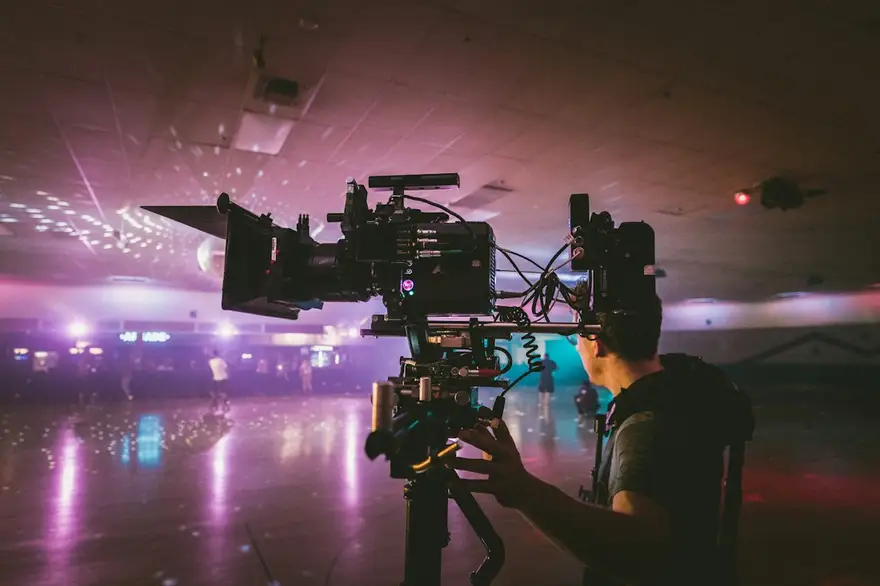
Videographers
A videographer portfolio that opens on the reel
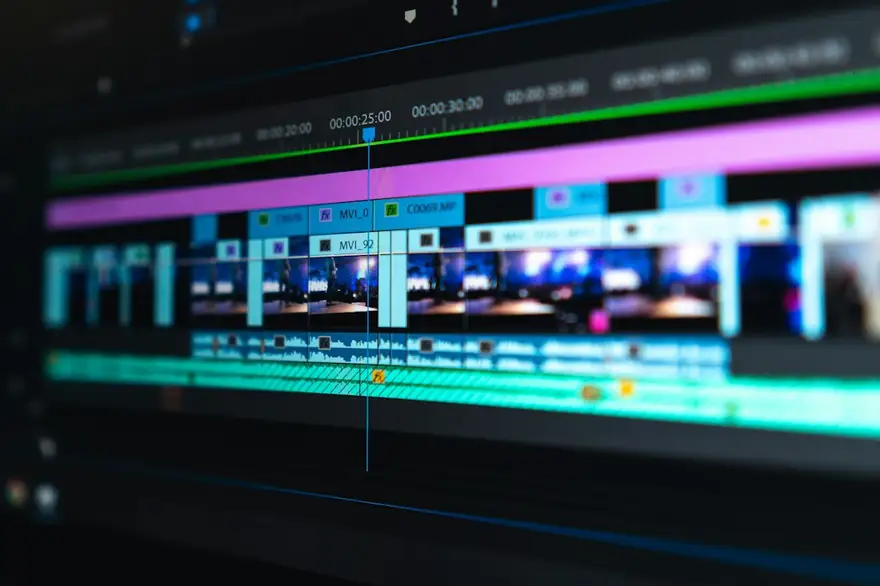
Video editors
A video editor's portfolio that shows the cut
Animators
An animation portfolio with the reel and the breakdowns
More for video and visual creators
Give every film its own page
The builder opens with your filmmaker prompt filled in. You edit it, add a reference, and watch the first version take shape.